Precision Restorations Built for Strength, Esthetics & Consistency
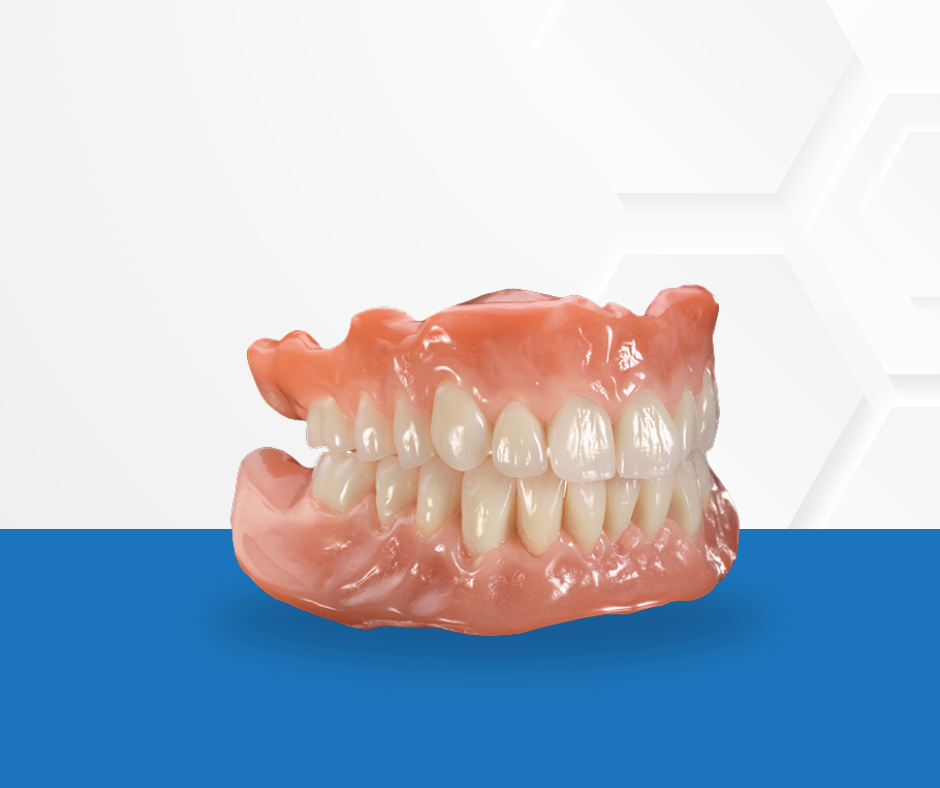
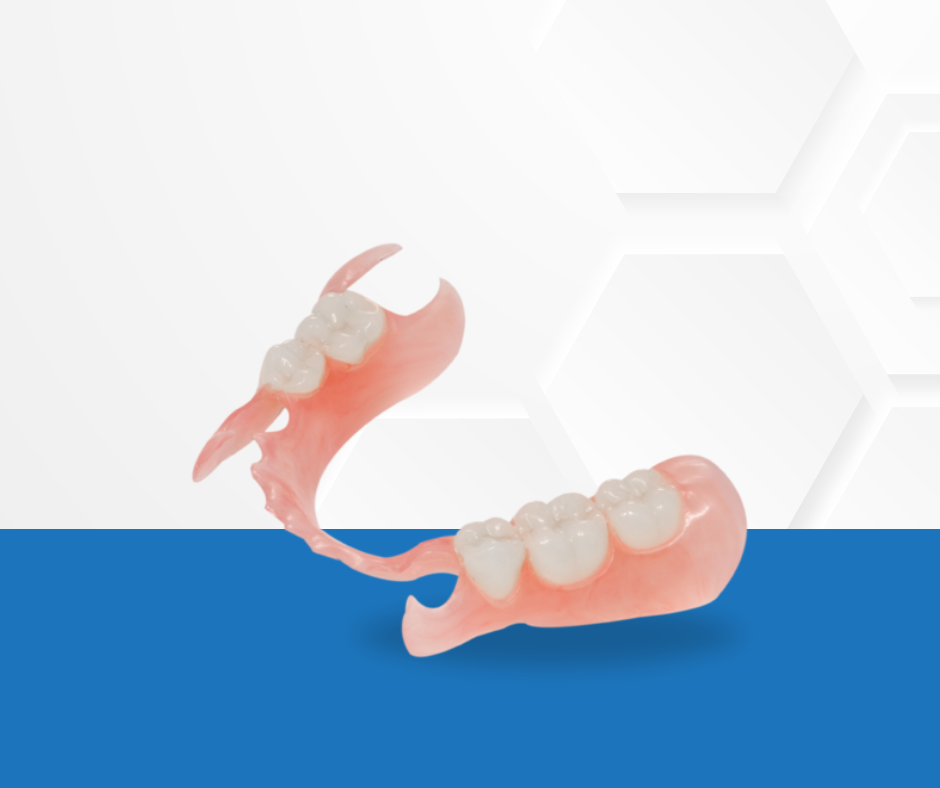
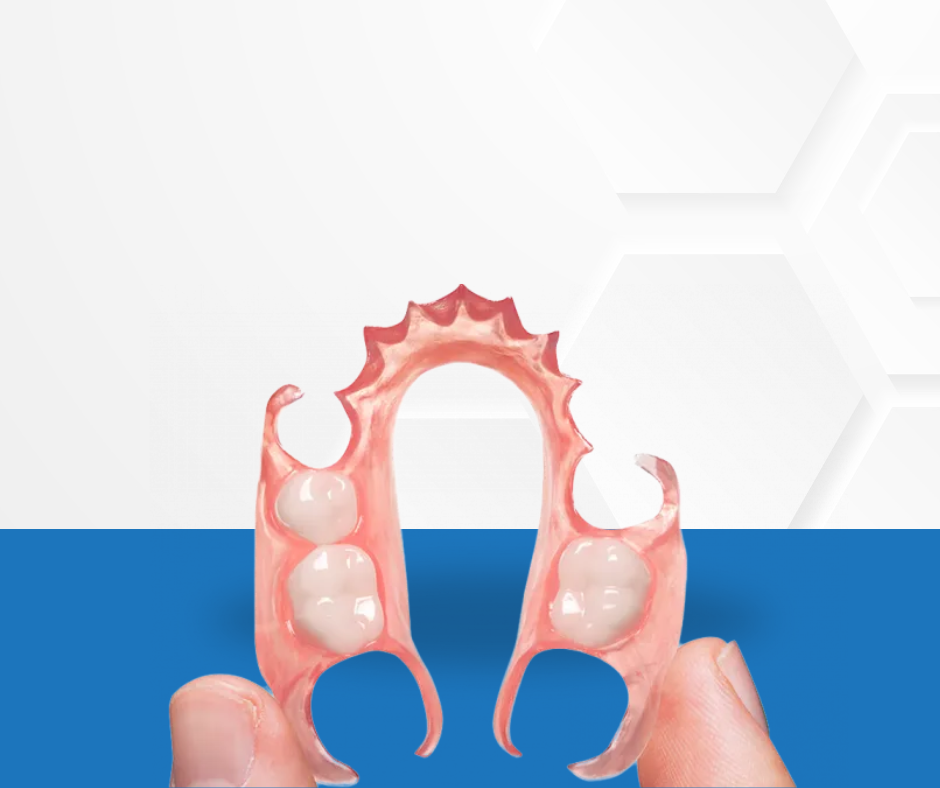
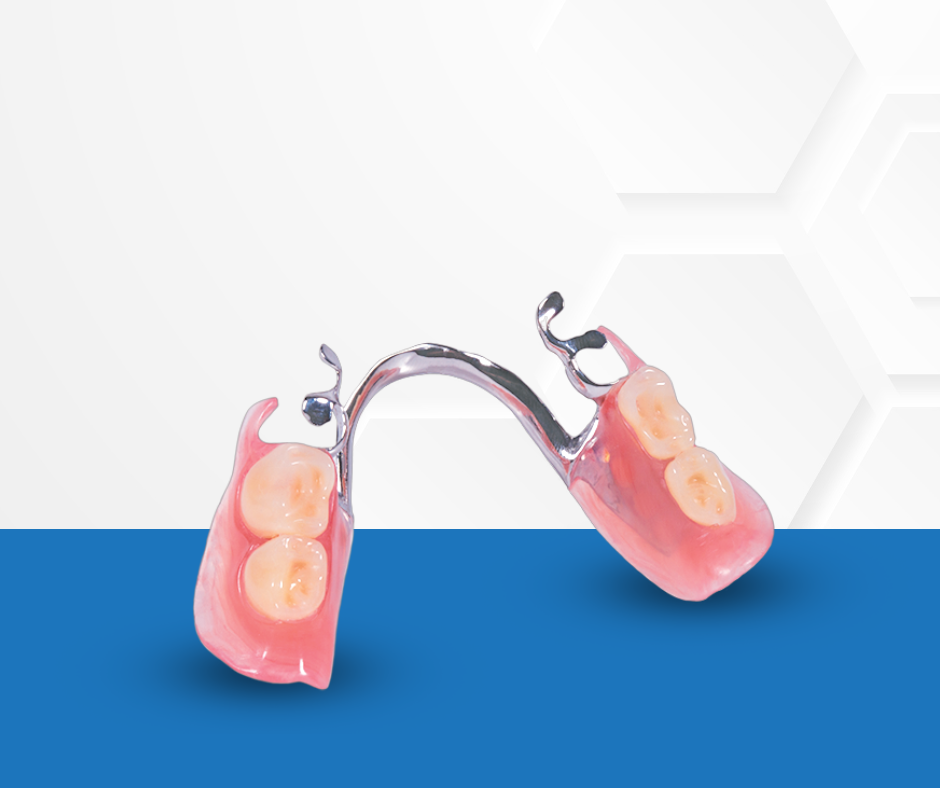
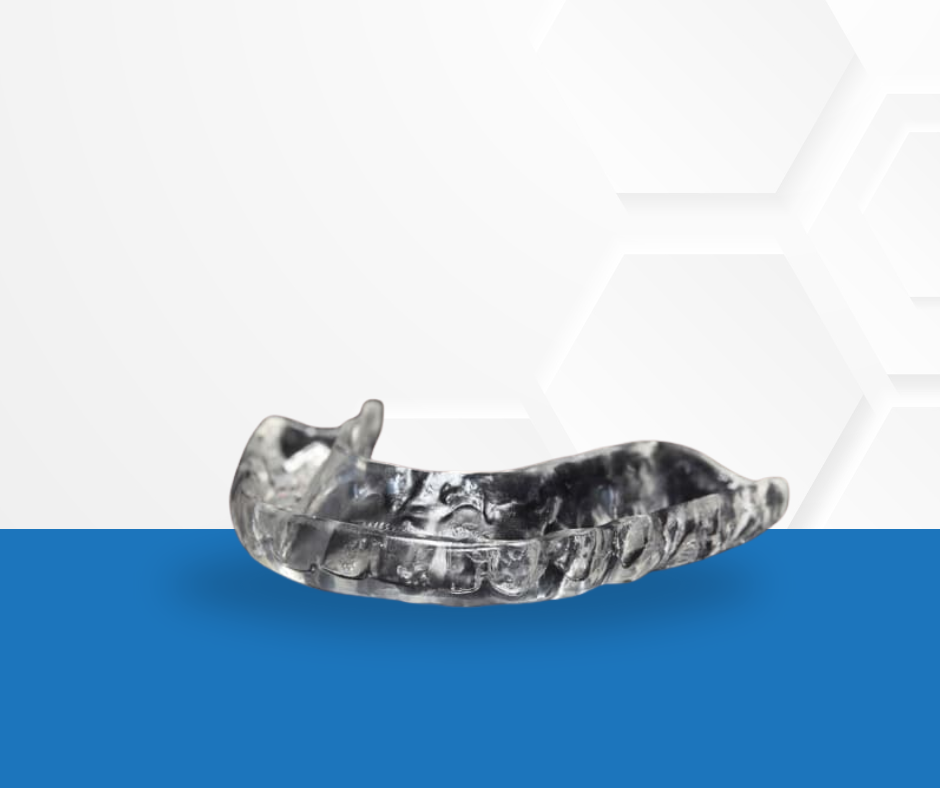
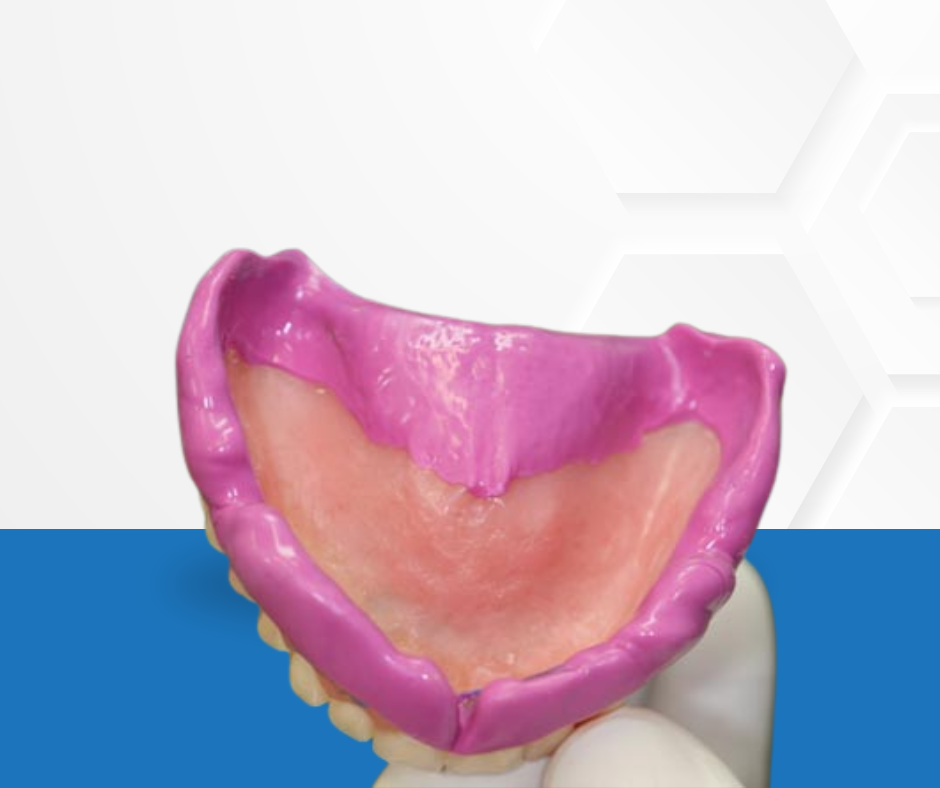
Every case is processed with meticulous digital accuracy, industry-leading materials, and the expertise of technicians who understand both the clinical and esthetic demands of modern dentistry.
Accepting all major IO Scanners for a faster, more accurate crown & Bridge Experience.
Sign into your iTero scanner
Connect with CAD/CAM Dental Lab using our Company ID: “___________”
After connecting us as a lab, select “CAD/CAM Dental Lab” on your scanner when sending files
Visit us 3shapecommunicate.com
Search ______________ to find our lab and connect.
Select CAD/CAM Dental Lab whenever sending files.
Create or login to your Connect Case Center.
Select “CONNECT CASE CENTER”
Search for CAD/CAM Dental Lab as the Company Name.
Check the box for CAD/CAM Dental Lab and select ADD to complete registration.
Whenever submitting your case via Connect Case Center, select CAD/CAM Dental Lab from your list.
Sending via DS Core (DSCore.com)
Create or login to your DS Core account.
Select “Place Order”
Select CAD/CAM Dental Lab as your provider.
Whenever submitting your case via DS Core, select CAD/CAM Dental Lab from your Preferred Lab list.
Visit meditlink.com/register and select “don’t have an account? Sign up.”
Select the “Administrator” option under the category that best fits your business.
Provide your information and check your email for a verification link. This email will also contain instruction to download the software.
Select “Add New Partner” and search for CAD/CAM Dental Lab to start sending cases to our lab.

Dentist-Owned. Technician Driven. Patient Focused.
© 2026 CAD/CAMDOCS — Digital Dentistry, Delivered Faster.
Site Powered by DentalLabSupport.com